

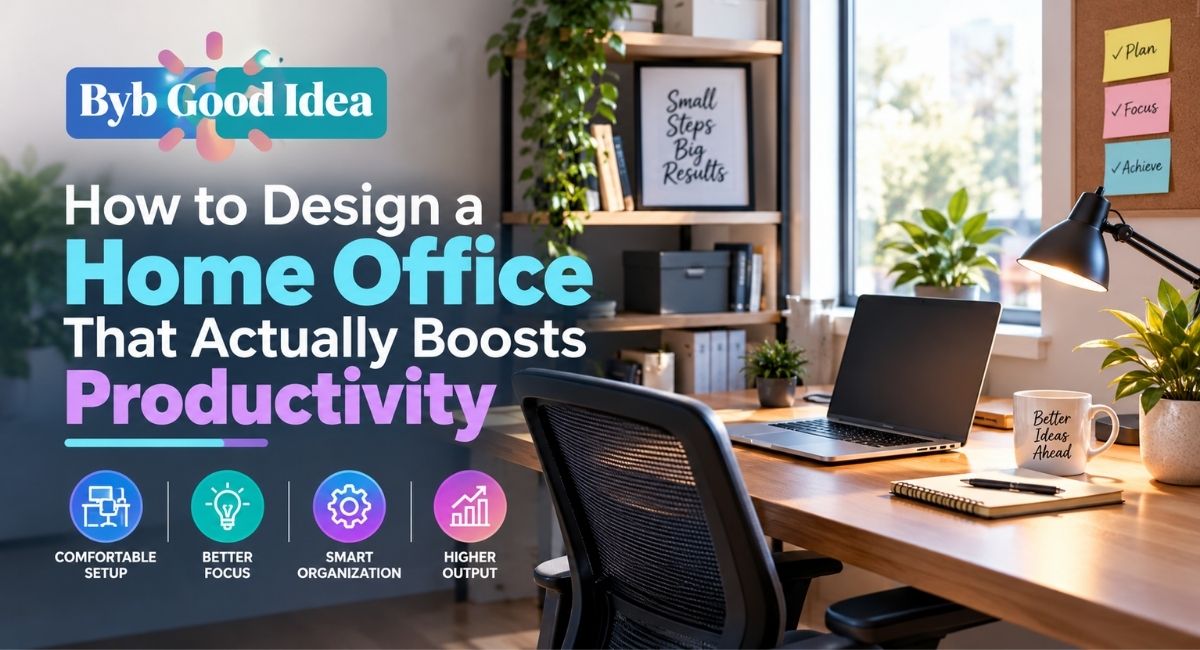
Plenty of home offices look great in a photo and still leave the person using them with a sore back by three in the afternoon. A nice desk and a matching chair are not the same thing as a setup that actually supports focused work for hours at a stretch, and the gap between the two is usually where productivity quietly leaks away.
Good home office design ideas are less about aesthetics and more about a handful of physical and environmental factors working together: posture, light, noise, and how easily you can find what you need. This guide walks through building a productive workspace design around those factors, whether you have a full spare room or a corner of a bedroom to work with.
Why Most Home Offices Underperform
A home office often gets assembled from whatever furniture was already in the house, positioned wherever there happened to be space, rather than designed around how a person actually works. This is understandable, since a dedicated office build takes more planning than simply pushing a desk against a wall, but it is also why so many home workspaces end up uncomfortable or distracting despite looking reasonable at first glance.
The good news is that most of the fixes here do not require a full room renovation. Small, deliberate changes to posture, light, and layout tend to matter more than an expensive furniture upgrade.
Ergonomics: The Foundation of a Productive Setup
Chair and Desk Height
Your elbows should rest at roughly a ninety degree angle when typing, with feet flat on the floor or a footrest, and your monitor top roughly at eye level so you are not tilting your neck down for hours at a time. If your desk height is fixed, an adjustable chair is the more practical way to correct alignment, since fixed desk heights rarely suit every body comfortably.
The Case for a Standing Desk
A standing desk, whether a full sit stand model or a simple converter placed on an existing desk, allows you to alternate between sitting and standing through the day, which reduces the strain of staying in one position for extended periods. It is not a requirement for a productive office, but it is one of the more consistently recommended additions for anyone spending several hours a day at a desk.
Keyboard and Mouse Positioning
Wrists should stay in a neutral, straight position rather than bent up or down while typing, which sometimes means adjusting keyboard tray height rather than desk height alone. An external keyboard and mouse, even for a laptop user, generally allows for a more comfortable and adjustable setup than typing directly on a laptop’s built in keyboard for extended periods.
Natural Light and Why It Matters More Than People Expect
Positioning a desk near a window, ideally to the side rather than directly facing it, provides natural light without creating glare on a monitor screen. Natural light exposure during the day has a measurable effect on alertness and mood for many people, which makes desk placement relative to windows one of the more overlooked productivity factors in home office design.
Where natural light is limited, layering a warm ambient light with a focused task lamp near the desk avoids the harsh, fatiguing effect of a single overhead fixture used on its own for hours.
Managing Noise and Distraction
Sound is one of the more disruptive factors in a home office, particularly in open plan homes or shared spaces. Simple fixes like a rug to absorb sound, closing gaps under doors, or adding soft furnishings can noticeably reduce noise bleed without a full acoustic renovation. For a more thorough approach, our DIY soundproofing tips for your home office cover specific methods for both airborne and impact noise.
Cable Management and a Clutter Free Desk
Tangled cables and cluttered surfaces are a quiet but consistent source of low level distraction, since visual clutter has been shown to compete for attention even when a person is not actively looking at it. Cable trays, clips, and simple routing along the back or underside of a desk keep charging cables and monitor connections out of sight without needing to hide them entirely.
Beyond cables, a small dedicated tray or organizer for daily essentials, like a notebook, pen, and headset, reduces the friction of starting a work session, since nothing needs to be searched for before beginning.
Building Out the Tech Setup
A productive home office increasingly relies on a handful of connected devices working reliably together, from a monitor to a webcam to reliable Wi-Fi coverage in the room. Our guide to building a smart tech setup without overspending covers prioritizing the upgrades that actually affect daily work over ones that mostly look impressive.
Our roundup of essential tools for working from home efficiently also covers smaller accessories, like laptop stands and dockings stations, that often deliver more day to day comfort improvement than a more expensive centerpiece purchase.
Digital Productivity Tools Worth Pairing With a Good Physical Setup
A well designed physical space still benefits from the right software supporting it. Our list of best Chrome extensions to boost productivity and our roundup of affordable project management tools for small teams both cover options that complement a strong physical setup rather than compensating for a poor one.
Storage and Layout for Small Home Offices
In smaller homes, a home office frequently shares space with another room, which makes smart storage particularly important for keeping the space functional. Our guide to unconventional storage hacks for small living spaces covers vertical and hidden storage solutions that free up desk and floor space in a shared room setup.
Quick Reference: Productivity Fixes by Effort Level
| Change | Effort Level | Impact |
| Adjust monitor to eye level | Very low | High |
| Add a task lamp near the desk | Low | Moderate |
| Route and hide desk cables | Low | Moderate |
| Add a standing desk converter | Moderate | High for extended sitting |
| Apply soundproofing to the room | Moderate to high | High in noisy homes |
Frequently Asked Questions
What is the ideal desk height for productivity?
There is no single ideal height that fits everyone, since it depends on your own body proportions. The key benchmark is that your elbows should sit at roughly a ninety degree angle while typing, adjusted through chair height if the desk itself is fixed.
Does natural light really affect productivity?
Yes, natural light exposure is linked to alertness and mood for many people, which is why positioning a desk near a window, without creating screen glare, is one of the simpler high impact changes available.
Is a standing desk necessary for a productive home office?
It is not strictly necessary, but alternating between sitting and standing through the day reduces the strain of staying in one position for hours, which many people find helps sustain focus later in the day.
How can I make a small home office feel less cramped?
Vertical storage, a desk positioned to face a window or open area rather than a wall, and minimizing visible clutter all help a small office feel more open without requiring more physical space.
What is the fastest way to reduce distractions in a home office?
Clearing visual clutter from the desk surface and adding soft furnishings like a rug or curtains to reduce sound reflection are both fast, low cost changes that noticeably reduce everyday distraction.
Final Thoughts
A genuinely productive home office comes down to a handful of physical fundamentals: proper posture support, good light, manageable noise, and a layout that keeps daily essentials within easy reach. None of these require an expensive renovation, and tackling even two or three of them tends to produce a noticeably better working environment.
At BYB Good Idea, we cover practical home improvements that make daily life genuinely easier, not just better looking. Explore the resources below to keep refining your workspace.