
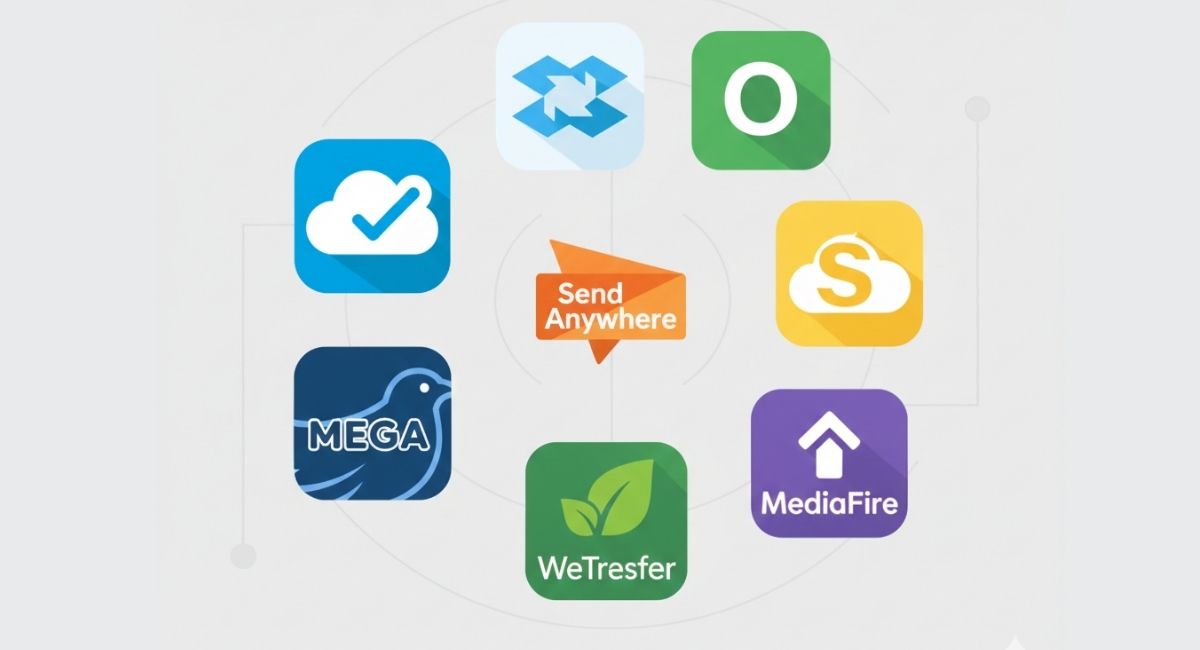
Digital collaboration has become part of everyday academic and professional life. Students submit assignments online, collaborate on research papers, and share presentations. Professionals exchange contracts, design files, reports, spreadsheets, and large media assets across teams and clients.
Email attachments are limited in size. USB drives are outdated for remote teams. This is where free file sharing tools and cloud file transfer platforms provide real value. These systems allow users to upload files once and share secure access links instead of sending bulky attachments multiple times.
Many free file sharing apps now offer reliable storage, permission control, and cross device synchronization. When used correctly, they simplify digital workflow without increasing expenses.
If you are also looking to improve how you organize digital tasks alongside file sharing, you can explore additional workflow solutions here: Best Free Productivity Apps
Why Free File Sharing Tools Are Essential Today
Modern work is no longer tied to one device or location. Teams operate remotely, students collaborate from different campuses, and freelancers work with clients across the country. Cloud based file sharing eliminates version confusion and improves accessibility.
Instead of sending attachments repeatedly, users upload a document once and control access through a shareable link. Permissions can be adjusted to allow viewing, commenting, or editing. This reduces errors and protects file integrity.
Free cloud file transfer tools also help with:
• Reducing storage pressure on local devices
• Backing up important documents
• Maintaining organized digital folders
• Supporting real time collaboration
For small teams managing multiple deadlines, file sharing works best when paired with structured planning systems. If you want to explore affordable coordination tools for team workflows, this guide provides useful insights: Affordable Project Management Tools for Small Teams
1. Google Drive
Overview
Google Drive is one of the most widely used free cloud storage platforms. It integrates directly with Google Docs, Sheets, and Slides, making document creation and sharing simple.
Why It Works for Students and Professionals
The free plan offers enough storage for academic materials and small business documents. Users can organize files into folders and generate shareable links with customizable permissions.
Real time collaboration is one of its strongest features. Multiple users can work inside the same document while changes save automatically. This is especially helpful for group assignments, shared research projects, and business reports.
Google Drive also syncs across devices, allowing access from laptops, tablets, and smartphones. For those who want a better understanding of how free cloud storage services work, this detailed resource explains the basics: Beginners Guide to Using Free Cloud Storage Services
2. Dropbox
Overview
Dropbox is known for its clean interface and fast synchronization. It focuses on simplicity and dependable file syncing across devices.
Key Benefits
Once files are uploaded, users can instantly create shareable links. Dropbox automatically syncs content between devices, reducing manual uploads. It also maintains file version history, allowing restoration of previous drafts if needed.
Freelancers and remote teams often rely on Dropbox for exchanging project materials. Shared folders make collaboration easy while maintaining access control.
Professionals who want to increase daily output through automation and digital tools may find this resource helpful: How to Use ChatGPT for Everyday Productivity
3. Microsoft OneDrive
Overview
Microsoft OneDrive integrates directly with Windows and Microsoft Office applications. It is especially convenient for users who work regularly with Word, Excel, and PowerPoint.
Practical Use Cases
Documents save automatically to the cloud, reducing the risk of losing important work. The free plan supports secure sharing links and adjustable permissions.
Students writing research papers and professionals preparing business presentations benefit from automatic backup and cloud accessibility. OneDrive works well in environments where Microsoft tools are already part of daily operations.
4. WeTransfer
Overview
WeTransfer focuses on fast and temporary file sharing rather than long term storage. It allows users to upload files and generate direct download links.
Best For Large Media Files
The platform supports larger file sizes than typical email systems. It is commonly used by designers, videographers, and marketing professionals who need to send high resolution files.
Because WeTransfer does not require complex account setup for basic use, it remains one of the simplest free file sharing tools available.
Before sending visual content, improving quality can enhance presentation. You can explore editing solutions here: Best Photo Editing Apps for Mobile
5. Mega
Overview
Mega is known for its privacy focused approach. It uses end to end encryption to protect files stored on its servers.
Security Focus
The free plan offers generous storage compared to many competitors. Users can create encrypted sharing links and manage folder access securely.
Students handling confidential research and businesses managing sensitive documents may prefer Mega because of its encryption model. Strengthening account security is also important when using cloud storage. Practical steps for better protection are explained here: Step by Step Guide to Secure Your Online Accounts
6. pCloud
Overview
pCloud provides flexible storage and organized file management. Users can generate public or private links and share folders selectively.
Long Term File Organization
The platform supports media previews and structured storage, making it suitable for archiving completed projects. Many professionals use pCloud to maintain long term access to important business files.
Its simple interface makes it approachable for new users while still offering reliable sharing options.
7. MediaFire
Overview
MediaFire offers free cloud storage with direct link generation. Files can be grouped into folders and shared through download links.
Practical File Distribution
Although the free version includes advertisements, it remains effective for distributing academic materials, software files, and digital documents.
Users looking to improve overall digital workflow may also benefit from browser based productivity tools. Helpful extensions are discussed here: Best Chrome Extensions to Boost Productivity.
8. Send Anywhere
Overview
Send Anywhere uses a peer to peer model for file transfer. Instead of focusing entirely on cloud storage, it allows users to send files using a temporary six digit key or QR code.
Quick Device to Device Transfers
This system works well for instant transfers between devices. Students often use it to move presentations from laptops to phones. Professionals use it during meetings when quick file exchange is necessary.
Because it does not require large storage allocation, it is ideal for short term sharing needs.
How to Choose the Right Free File Sharing Platform
Each platform offers different strengths. Some prioritize storage capacity, others focus on encryption or quick transfer speed. When selecting a tool, consider file size limits, security settings, collaboration features, and device compatibility.
Testing multiple platforms can help determine which interface fits your workflow best. Many users combine two services, one for long term storage and another for temporary transfers.
Secure file sharing tools combined with structured productivity systems create a more efficient digital environment. If you want more guides on smart tech tools and digital organization strategies, visit our homepage for additional resources: Visit Our Homepage for More Tech Guides.