
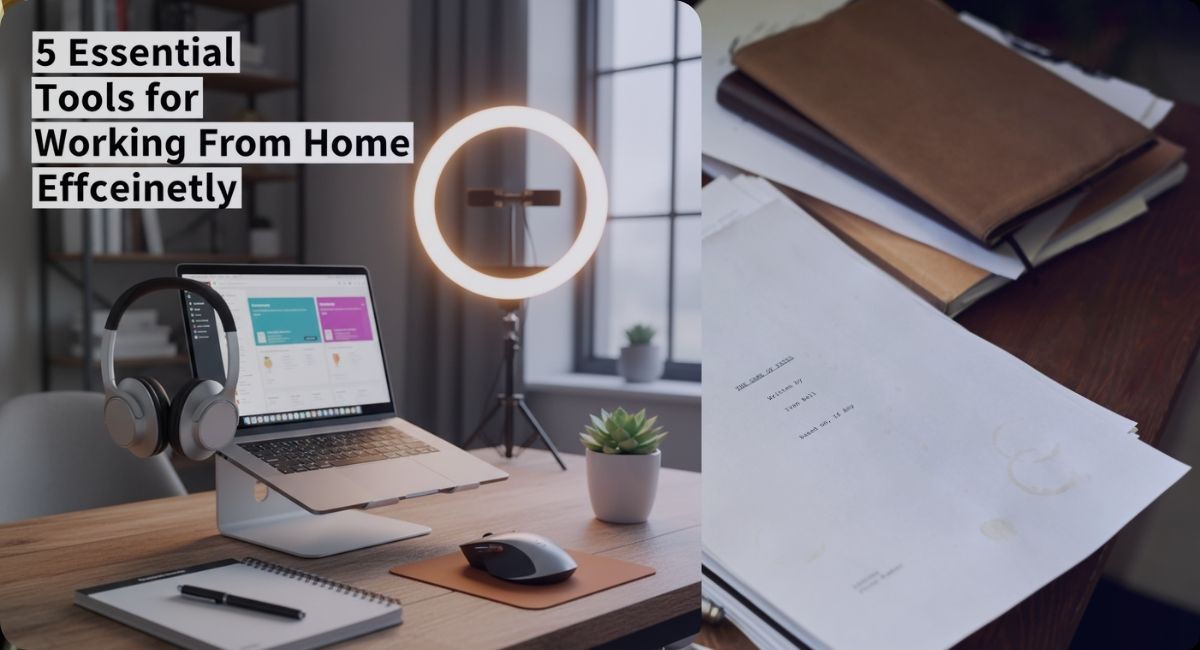
Working from home once felt like a short-term solution. Today, it is a long-term reality for millions of people across the United States. Some work remotely full-time. Others split their time between home and office. No matter the setup, one truth stays the same. Productivity at home depends heavily on the tools you use and how well they fit your daily routine.
At first, many people assume working from home only requires a laptop and an internet connection. Over time, they realize small gaps add up. Poor communication slows projects. Distractions break focus. Disorganised tasks waste hours. The right remote work tools solve these issues in practical ways. They help you stay focused, connected, and comfortable without turning your home into a stressful workspace.
This guide explores five essential tools for working from home efficiently. These are not trendy gadgets picked for hype. They are practical solutions used daily by remote professionals, freelancers, and small teams. Each tool plays a specific role in building a productive home office that supports long hours and clear thinking.
Remote work efficiency is not about working longer. It is about working smarter with systems that reduce friction and mental overload. Let us start with the foundation of every remote setup.
1. A Reliable Laptop and Smart Accessories
Every productive work-from-home setup begins with a dependable laptop. It is the command center for emails, meetings, research, documents, and creative work. A slow or outdated device creates frustration that spills into your entire day.
When choosing a laptop for remote work, performance matters more than brand. Fast startup times, smooth multitasking, and strong battery life are key. Many remote professionals also add simple home office gadgets that make long sessions easier on the body and mind.
Useful accessories that support daily efficiency include:
• An external keyboard that improves typing comfort
• A wireless mouse for better precision and wrist control
• A laptop stand to raise the screen to eye level
• Noise canceling headphones for focus during calls
These tools reduce physical strain and help maintain energy throughout the day. Small ergonomic improvements often lead to noticeable gains in focus and comfort.
If you want deeper insights into practical add-ons, this guide on the top affordable laptop accessories explains how budget friendly tools can improve your daily workflow without overspending. A reliable laptop setup also supports flexibility. You can shift between workspaces, manage tasks from different rooms, or even work while traveling. This freedom is one of the biggest benefits of remote work when paired with the right equipment.
2. Communication and Video Conferencing Tools
Remote work thrives on clear communication. Without hallway conversations or desk check ins, teams rely on digital tools to stay aligned. Video conferencing platforms and messaging apps fill this gap and shape how work gets done from home.
Video calls are now part of daily routines. Meetings, interviews, training sessions, and client presentations all happen online. A good video conferencing tool offers stable connections, screen sharing, recording options, and easy scheduling.
Beyond meetings, real time messaging tools help replace quick office conversations. They allow fast updates, file sharing, and organized discussions without cluttered inboxes. When used well, these tools reduce email overload and keep teams moving.
Key features to look for in communication tools include:
• High quality audio and video
• Reliable performance with low lag
• Easy integration with calendars and task tools
• Strong security and privacy controls
Communication tools also shape work culture. Clear channels reduce misunderstandings and help remote teams feel connected rather than isolated. They create space for collaboration even when people work across time zones.
Many professionals also combine communication tools with productivity systems. For example, pairing video calls with task tracking ensures meetings lead to action rather than confusion.
3. Task and Project Management Software
One of the biggest challenges of working from home is managing tasks without constant supervision. Deadlines can blur. Priorities shift. Personal distractions compete with professional goals. This is where project management tools become essential.
Task management software helps you plan, track, and complete work in a structured way. These tools replace sticky notes and mental reminders with clear systems. You can see what needs to be done, when it is due, and who is responsible.
Remote teams rely on these platforms to coordinate projects across locations. Individuals use them to organise daily tasks and long term goals. The best tools feel simple but powerful.
Common features include:
• Task lists with due dates
• Progress tracking and status updates
• File attachments and comments
• Team collaboration and role assignment
Affordable solutions now offer features once limited to large companies. Small teams and freelancers can manage complex projects without heavy costs.
This detailed resource on affordable project management tools for small teams breaks down options that balance ease of use with strong features.
Using a project management tool also improves work life balance. When tasks are clearly defined and tracked, it becomes easier to log off at the end of the day. You no longer carry unfinished work in your head.
Over time, these tools build better habits. They encourage realistic planning and reduce last minute stress. For remote workers, this structure is often the difference between burnout and steady productivity.
4. Productivity and Focus Tools
Working from home brings freedom, but it also brings distractions. Household noise, social media, and multitasking temptations can quietly drain focus. Productivity tools help protect your attention and keep work moving forward.
These tools range from simple to advanced. Some block distracting websites during work hours. Others help track time or break tasks into focused sessions. Many remote professionals use productivity apps to build routines that support deep work.
Focus tools work best when they match your personal habits. Some people prefer strict timers. Others want gentle reminders or progress visuals. The goal is not pressure. It is clarity.
Popular productivity features include:
• Focus timers that encourage short work sessions
• Website blockers during key hours
• Task prioritization and daily planning
• Time tracking for billing or self awareness
If you are exploring lightweight tools that cost nothing, this guide to the best free productivity apps offers practical options for different work styles.
Productivity tools also help remote workers measure progress honestly. Without visual cues from an office, it is easy to underestimate or overestimate output. Clear data builds confidence and helps improve planning over time.
Many professionals also combine productivity tools with AI-powered assistants. These tools help summarize notes, draft content, or organize ideas quickly. Used carefully, they reduce repetitive work and free time for creative thinking.
5. Cloud Storage and File Organization Tools
File management becomes more important when working remotely. Documents, images, presentations, and spreadsheets must stay accessible and secure. Cloud storage tools make this possible without relying on physical drives.
These platforms allow you to save files online and access them from any device. They also support collaboration by letting multiple people edit or comment in real time. For remote teams, this eliminates version confusion and email attachments.
Cloud storage tools also protect work from device failure. If your laptop crashes, your files remain safe. Automatic backups add peace of mind.
Important features to consider include:
• Easy file sharing and permission control
• Automatic syncing across devices
• Strong security and encryption
• Generous free storage options
If you are new to cloud storage, this beginner-friendly guide explains how to use these services effectively for daily work.
Good file organization saves time every day. Clear folder structures and consistent naming make it easier to find what you need quickly. Over weeks and months, this small habit adds up to hours saved.
Cloud tools also support flexible work. You can start a task on one device and finish it on another without friction. This flexibility is a major advantage of remote work when paired with reliable systems.
Building a Complete Work From Home System
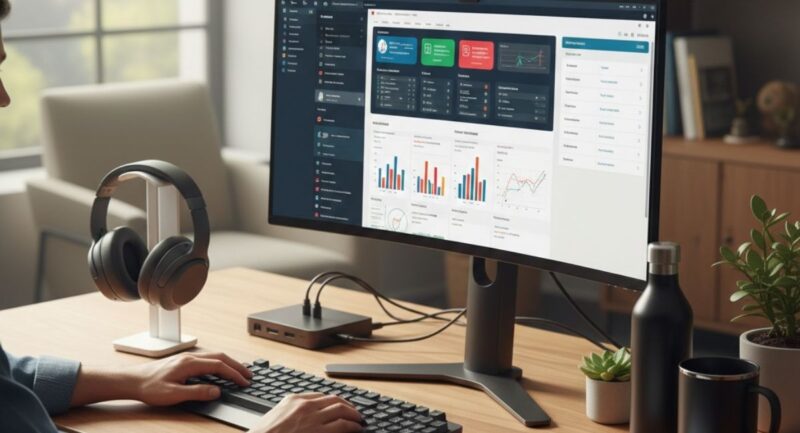
Each of these tools serves a specific purpose, but real efficiency comes from how they work together. A strong laptop setup supports smooth communication. Clear communication feeds into project management. Task systems connect with productivity tools. Cloud storage ties everything together.
Remote work tools are not meant to complicate your day. They exist to remove friction and reduce mental load. The best setup feels natural. It supports your work instead of demanding constant attention.
It is also important to review your tools regularly. As work changes, your needs change. What worked last year may feel heavy today. Adjusting your setup keeps productivity aligned with your current goals.
Efficiency at home is not about copying someone else’s routine. It is about building a system that fits your space, schedule, and responsibilities. When tools align with habits, working from home becomes smoother and more sustainable.
Final Thoughts and Next Steps
Working from home efficiently requires more than discipline. It requires the right tools that support focus, communication, organization, and comfort. A reliable laptop setup, strong communication platforms, smart task management, productivity apps, and cloud storage form the backbone of effective remote work.
As remote work continues to grow, so does the range of helpful tools available. Exploring trusted resources can help you stay updated without feeling overwhelmed. For more practical guides, reviews, and ideas on productivity, tech, and smart living, visit the homepage at BYB Good Idea.
With the right tools in place, working from home stops feeling like a compromise and starts feeling like a well designed way to work.