
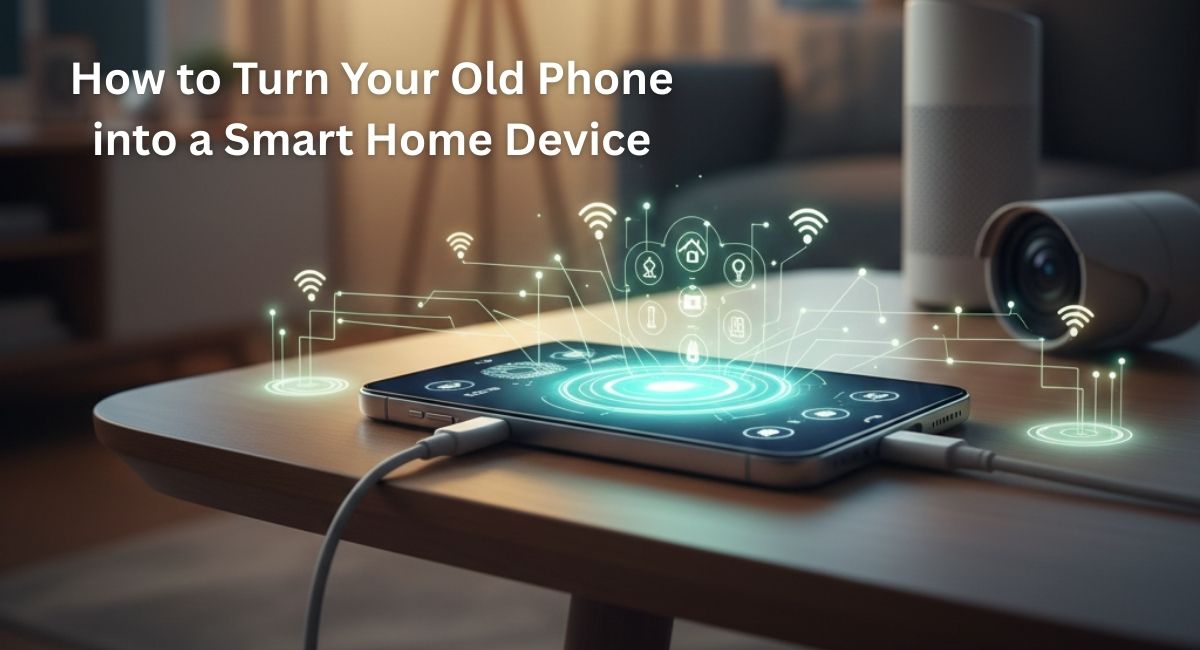
There is a moment many people recognise. A drawer opens, and inside lies an old smartphone. The screen still lights up. The Wi-Fi still works. But it no longer leaves the house. Most phones end their ‘‘useful’’ life far earlier than their actual technical life. That forgotten device can still think, listen, connect, and respond. With the right setup, you can repurpose an old phone and turn it into a powerful part of your DIY smart home.
This guide walks through the full process in detail. It explains what works, what to avoid, and how to make the setup reliable. It also shows how an old phone can replace devices people often buy new. Everything here is practical, tested, and written for everyday homes.
Why an Old Phone Still Has Value
Modern smartphones are packed with sensors and hardware that many smart home devices also rely on. Even a phone from eight or nine years ago usually includes:
• A microphone
• A speaker
• A camera
• Motion and light sensors
• Wi-Fi and Bluetooth
• A screen for control
That list already matches the feature set of many smart displays, security cameras, baby monitors, and voice assistants. The difference is that those devices usually perform one task, while a phone can switch roles anytime.
Using an old phone also reduces electronic waste and saves money. Instead of spending on single-purpose hardware, you use something you already own.
Choosing the Right Phone for Smart Home Use
Not every old phone works well for every task. Start by checking a few basics.
First, the phone should power on reliably and hold a charge for at least an hour. If the battery drains quickly, that is not a deal breaker. The phone can stay plugged in permanently. Just make sure the charging port is stable.
Second, check Wi-Fi strength. Weak antennas can cause lag or disconnections. Test it in the room where you plan to place it.
Third, confirm the operating system still supports common apps. Older Android versions often work better for repurposing than very old iOS versions due to broader app compatibility.
Phones with cracked screens can still work for voice control or background automation. Cosmetic damage rarely matters for smart home tasks.
Preparing the Phone Before Setup
Before assigning any role, prepare the phone properly. This step improves stability and security.
Start with a factory reset. Remove old accounts, photos, and apps. This clears background services that drain resources.
Next, update the operating system to the latest version the phone supports. Even minor updates can improve Wi-Fi performance and app stability.
After that, adjust system settings:
• Disable cellular data and remove the SIM card
• Turn off app notifications
• Reduce screen brightness or enable always-on dim mode
• Set the phone to stay awake while charging
These changes help the phone act like a dedicated device rather than a personal one.
Turning an Old Phone into a Smart Home Hub
One of the most useful roles for an old phone is as a central control hub. Mounted on a wall or placed on a stand, it becomes a dashboard for your home.
Install smart home apps that manage lights, plugs, thermostats, and cameras. Many people use their main phone for setup and forget daily control. A fixed hub changes that habit.
Voice assistants also work well on older phones. You can place the device in a kitchen, hallway, or living room and use it for commands like turning lights on or checking the weather.
This setup pairs well with budget-friendly devices discussed in guides like how to set up a smart home on a budget. The phone becomes the interface while other devices handle automation.
Using an Old Phone as a Smart Security Camera
Security cameras are one of the most common smart home purchases. An old phone can replace them in many situations.
Several apps turn a phone into a live camera with motion detection. These apps stream video to your main phone or computer and send alerts when movement is detected.
Place the phone near an entry point, window, or garage. Mount it securely and connect it to constant power.
Advantages of using an old phone as a camera include:
• Higher video quality than many budget cameras
• Built-in night mode on some models
• No extra hardware required
You can also reuse multiple old phones to cover different rooms. This approach works especially well for apartments, dorms, or temporary setups.
Creating a Smart Baby Monitor or Pet Monitor
Parents and pet owners often look for reliable monitoring tools. An old phone works surprisingly well here.
Set the phone in the room you want to monitor. Use an app that supports two-way audio. This lets you hear sounds and speak back through the phone’s speaker.
For babies, this setup allows video, audio, and motion alerts without expensive equipment. For pets, it helps you check behavior when away.
Unlike many traditional monitors, phones allow remote access from anywhere with internet. That flexibility matters for busy households.
Using an Old Phone for Smart Lighting Control
Lighting is often the first step into a DIY smart home. An old phone can act as a dedicated lighting controller.
Mount it near the entrance of a room or hallway. Install lighting apps connected to smart bulbs or switches. The screen replaces physical switches and allows scenes like evening, movie time, or bedtime.
This works well alongside affordable lighting options discussed here, and affordable smart lighting options.
A fixed lighting control phone also helps guests and kids. They can tap icons instead of navigating apps on their own devices.
Turning an Old Phone into a Motion Sensor
Many phones include accelerometers and proximity sensors that detect movement. Apps can use these sensors to trigger actions.
For example, you can place a phone in a hallway and use motion detection to turn on lights automatically. You can also use it to detect door movement or unusual activity.
This setup is not as precise as dedicated sensors, but it works well for basic automation and experimentation.
Using an Old Phone as a Smart Intercom
Intercom systems are making a comeback in modern homes. An old phone can serve as a room-to-room communication device.
Install a messaging or walkie-talkie style app on multiple old phones. Place them in different rooms. Family members can communicate instantly without shouting.
This setup is especially useful in larger homes or multi-level spaces.
Integrating the Phone with Productivity and Automation Tools
Smart homes are not only about lights and cameras. They also support daily routines. An old phone can help here.
You can install task management, reminder, and calendar apps on the device. Place it in a shared space to display daily schedules or grocery lists.
Some families integrate voice reminders and routines using apps discussed in the best free productivity apps.
This approach turns the phone into a shared family assistant rather than a personal distraction.
Using Cloud Storage to Support Smart Home Functions
Old phones often have limited storage. Cloud services solve this problem.
Security footage, photos, and logs can upload automatically to cloud storage. This keeps the phone running smoothly and protects data if the device fails.
Learning how to manage cloud storage properly helps avoid sync errors and data loss. Guides, such as those offering free cloud storage tips, explain how to use these tools without incurring extra costs.
Power Management and Safety Tips
Leaving a phone plugged in all the time raises concerns. Most modern phones manage charging safely, but basic precautions help.
Use a certified charger and cable. Avoid cheap adapters that overheat. Place the phone in a well-ventilated area.
If possible, enable battery protection features that limit charging to a certain percentage. Some Android phones support this natively.
Check the device every few weeks to ensure it stays cool and responsive.
Privacy and Security Considerations
Any smart home device collects data. An old phone is no exception.
Protect it with a strong screen lock or restricted access mode. Disable unused sensors and permissions. Use separate accounts for smart home apps when possible.
Keep apps updated and remove anything unnecessary. Treat the device like a fixed appliance, not a personal phone.
Common Mistakes to Avoid
Many people abandon old phone smart home projects because of small mistakes. Avoid these issues:
• Using unstable mounts that cause the phone to fall
• Ignoring Wi-Fi signal strength
• Installing too many apps at once
• Forgetting to disable notifications
• Using outdated or unsupported apps
A focused setup always works better than a cluttered one.
Expanding Your DIY Smart Home Over Time
Once one phone works well, people often add more. A spare phone becomes a second camera. Another becomes a bedroom control panel.
This gradual approach builds a smart home without large upfront costs. It also lets you test ideas before investing in dedicated hardware.
Many people eventually combine phone-based solutions with purpose-built devices from lists like Smart home devices. The phone continues to act as the control center.
Is Repurposing an Old Phone Worth It
For most households, the answer is yes. Repurposing an old phone offers flexibility, savings, and learning opportunities. It also helps people understand how smart homes actually work before committing to larger systems.
Old phones may not replace every smart device, but they cover many everyday needs. They also adapt easily as routines change.
Final Thoughts and Next Steps
Turning an old phone into a smart home device is not a gimmick. It is a practical way to extend the life of technology you already own. From security cameras to control hubs, the possibilities are wide and accessible.
If you enjoy experimenting with technology, automation, and budget-friendly ideas, this approach fits naturally into a modern home. It blends sustainability with convenience and control.
For more practical guides on smart living, budget tech, and everyday digital solutions, explore the full range of resources available at BYB Good Idea.