
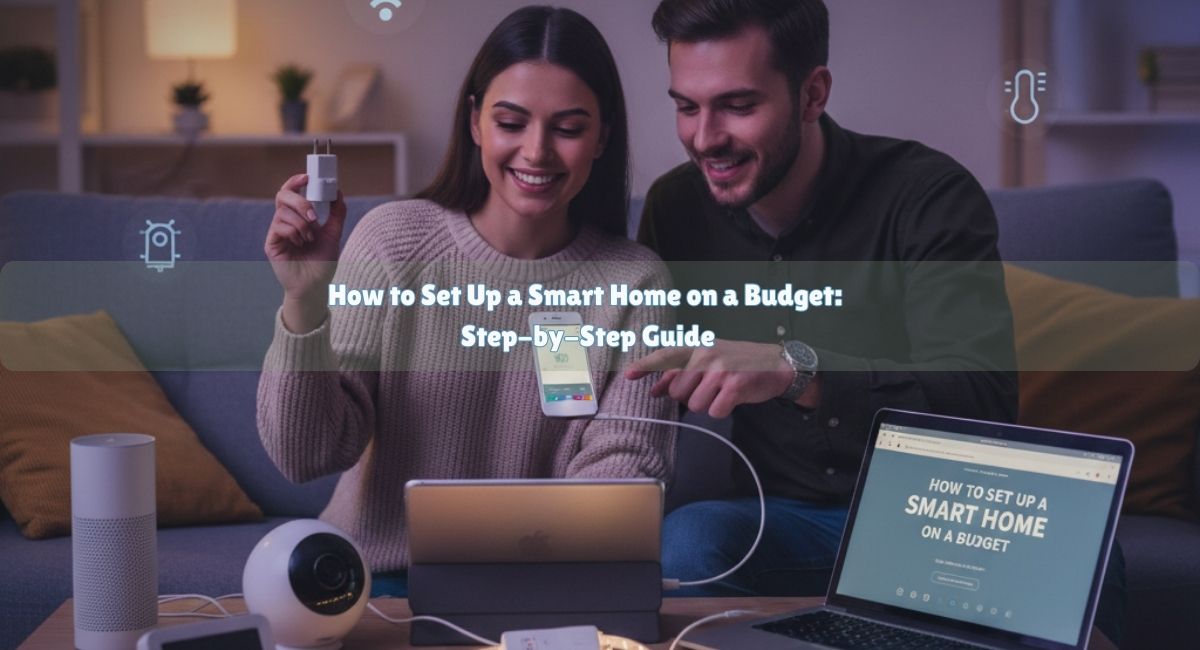
Creating a smart home may seem like a venture reserved for tech enthusiasts with deep pockets, but the reality is far from it. With careful planning, strategic choices, and a focus on affordability, anyone can develop a functional and efficient smart home setup. This guide will walk you through the process, providing practical advice for a budget smart home setup without compromising on features or convenience.
Understanding Smart Home Essentials
Before diving into purchases, it is important to understand what constitutes a smart home. A smart home uses devices connected to the internet to automate tasks, enhance security, improve energy efficiency, and make daily living more convenient. Common smart home devices include lighting, thermostats, security cameras, speakers, and appliances. For a budget-friendly approach, start with essentials and expand gradually based on your needs.
Planning Your Budget Smart Home Setup
Planning is the foundation of a successful smart home project. Begin by assessing your goals. Do you want to enhance home security, save on energy bills, or simply enjoy entertainment automation? Establishing clear objectives will help you prioritize purchases and avoid overspending. Consider the compatibility of devices as well; choosing a common platform like Google Home, Amazon Alexa, or Apple HomeKit ensures that devices work together efficiently.
Key Smart Home Device Categories
Lighting
Smart lighting is one of the easiest and most cost-effective ways to start a DIY smart home. Options include bulbs, switches, and plugs. Budget-friendly smart bulbs provide scheduling, remote control, and even color options at a fraction of the cost of premium brands.
Thermostats
Smart thermostats help reduce energy bills while maintaining comfort. Models with learning capabilities and mobile app control are available at reasonable prices.
Security Devices
Basic security devices like smart locks, cameras, and door sensors enhance safety without expensive installations. Many of these can be self-installed and integrated with your chosen smart home ecosystem.
Entertainment Solutions
Smart speakers and streaming devices improve convenience and entertainment. Affordable wireless speakers or multi-room audio setups can transform how you enjoy music, podcasts, and smart assistant features.
Smart Appliances
From smart plugs to connected kitchen devices, these allow control over everyday appliances and improve energy efficiency.
Integration and Automation
One of the most valuable aspects of a smart home setup is automation. By integrating devices through a single platform, you can create routines that trigger actions automatically. For example, lights can turn on when you arrive home, thermostats can adjust based on your schedule, and security cameras can send alerts to your phone. Platforms like Alexa, Google Home, or HomeKit simplify this process and often have free apps to manage all devices.
Budget-Friendly Setup Guide Table
| Device Category | Recommended Budget Options | Key Features | Estimated Cost |
| Lighting | Wyze Bulb, TP-Link Kasa Bulb | Scheduling, Remote Control, Dimmable | $10-$25 per bulb |
| Thermostat | Wyze Thermostat, Honeywell T5 | App Control, Energy Saving | $80-$120 |
| Security | Wyze Cam v3, Ring Video Doorbell | Motion Detection, Mobile Alerts | $35-$100 |
| Smart Plugs | TP-Link Kasa Plug, Gosund Plug | Scheduling, Remote Control | $10-$15 per plug |
| Speakers | Amazon Echo Dot, Google Nest Mini | Voice Assistant, Multi-room Audio | $25-$50 |
DIY Installation Tips
Installing smart devices on a budget often involves DIY solutions rather than professional services. Here are some practical tips:
- Start small: Begin with a single room or device category and expand gradually.
- Use existing infrastructure: Smart plugs allow you to convert existing devices into smart devices without rewiring.
- Read manuals and online tutorials: Most budget-friendly devices provide step-by-step instructions.
- Ensure Wi-Fi coverage: A reliable network is essential for all smart devices.
Common Challenges and Solutions
- Compatibility issues: Check that all devices support the same smart home platform to avoid functionality conflicts.
- Connectivity problems: Ensure Wi-Fi strength throughout the home, using extenders if necessary.
- Learning curve: Many smart home devices have mobile apps; spending time understanding these apps improves efficiency.
Maintaining a Budget Smart Home
Maintaining your smart home setup on a budget requires attention to updates, energy consumption, and device longevity. Regularly update software and firmware to avoid security vulnerabilities. Monitor energy usage with smart plugs or thermostats to ensure you are actually saving money. Replace or upgrade devices selectively rather than buying everything at once.
Frequently Asked Questions (FAQs)
How do I start a smart home without spending too much?
Start with essential devices like smart plugs and bulbs, then gradually add security and automation features. Focus on compatibility and energy-saving options.
Can I control my smart home with my phone?
Yes, most budget-friendly smart home devices offer mobile app control. Platforms like Google Home and Alexa centralize control of multiple devices.
Are DIY smart home setups reliable?
Yes, modern budget-friendly devices are designed for self-installation and work reliably when properly integrated. Reading manuals and following online tutorials helps ensure smooth setup.
Which smart home devices provide the best value?
Affordable smart lighting, smart plugs, budget cameras, and entry-level thermostats often provide the most noticeable improvements for cost-conscious setups.
Do I need a professional to install smart home devices?
Most devices can be installed by homeowners. Professional installation is optional for advanced security systems or complex integrations but is not necessary for a basic budget smart home setup.
Conclusion
Setting up a smart home on a budget is achievable with thoughtful planning and strategic choices. Starting with essential devices, focusing on compatibility, and gradually expanding automation ensures functionality without overspending. Using affordable smart lighting, thermostats, security devices, and entertainment options, you can create a comfortable and efficient home environment. With careful maintenance and attention to integration, a DIY smart home setup can be both cost-effective and enjoyable, providing mode