
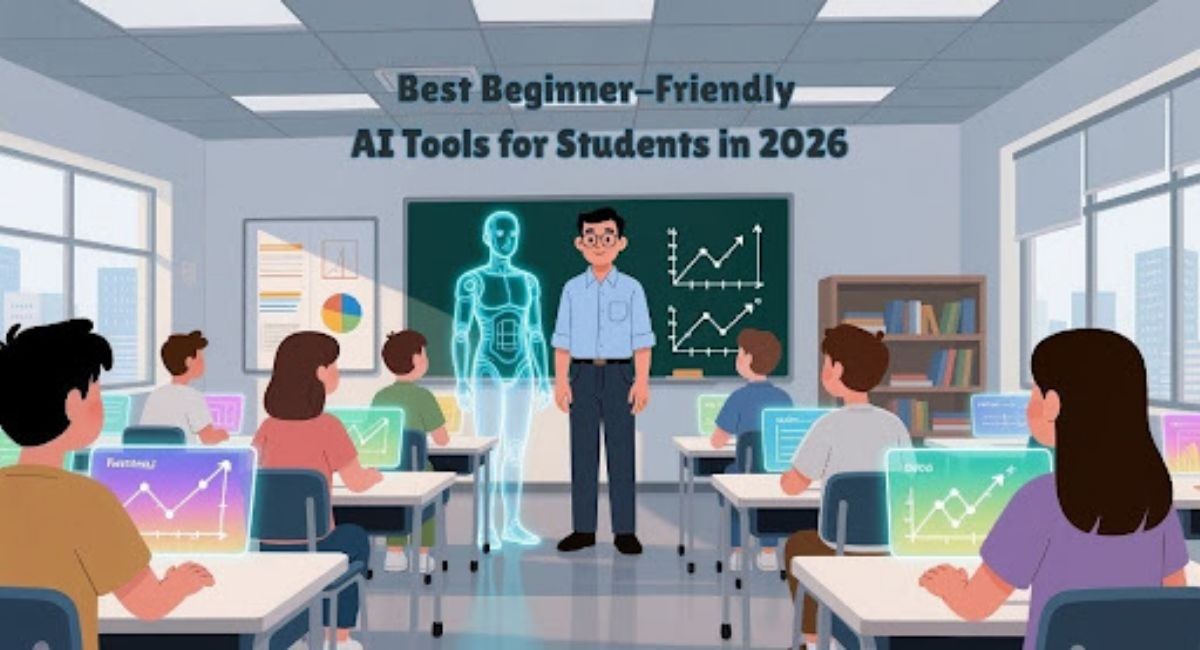
Artificial intelligence has moved from research labs into everyday student life. In 2026, learners use AI tools not only for writing assistance but also for research organization, presentation design, study planning, lecture transcription, and collaboration. The major advantage of modern AI platforms is their accessibility. Most beginner-friendly AI tools now offer intuitive dashboards, free plans, mobile access, and built-in tutorials that allow students to begin using them within minutes.
Students today manage heavy workloads that include coursework, online assignments, internships, extracurricular projects, and social commitments. Time pressure often reduces the ability to focus deeply on learning concepts. AI tools help by handling repetitive or time-consuming tasks such as summarizing notes, organizing schedules, generating practice quizzes, or preparing presentation drafts. When used responsibly, these tools support learning rather than replacing academic effort.
Many students also explore broader digital productivity ecosystems while adopting AI tools. A useful overview is Top AI tools that make your daily tasks easier, which explains how different AI assistants integrate into everyday workflows. Understanding this ecosystem helps students select tools that match their academic needs instead of installing dozens of apps that overlap in functionality.
This article presents ten of the best beginner-friendly AI tools for students in 2026. Each tool is evaluated based on ease of use, learning support, affordability, and academic relevance.
The Growing Role of AI in Student Productivity
Academic expectations continue to evolve as digital learning expands. Many courses now require multimedia presentations, collaborative online projects, research summaries, and structured documentation. Students who rely solely on manual workflows often spend excessive time formatting content or organizing files instead of studying core material. AI tools reduce this friction by automating repetitive processes.
Common areas where students benefit from AI tools include:
- Writing assistance and proofreading
- Lecture transcription and summarization
- Research discovery and reference gathering
- Study quiz generation and flashcards
- Presentation design and visual content creation
- Assignment scheduling and time planning
- Collaboration across group projects
Students who combine AI tools with strong study habits often report improved time management and reduced academic stress. Rather than working harder, they learn to work more efficiently.
1. ChatGPT Study Companion
ChatGPT remains one of the most widely used AI tools for students due to its conversational interface. Beginners can ask questions in natural language without learning technical commands. Students use it for brainstorming essay topics, simplifying complex concepts, generating outlines, reviewing drafts, practicing interview questions, and translating difficult text into simpler explanations.
One of the most valuable features is adaptive explanation. If a student does not understand a topic, the system can provide simplified examples, analogies, or step-by-step walkthroughs. This makes it especially useful for mathematics, science, programming, and language learning.
Students seeking structured ways to integrate conversational AI into daily routines can read how to use ChatGPT for everyday productivity, which demonstrates practical workflows for research, planning, and study support.
Typical student uses include:
- Generating essay outlines
- Practicing exam questions
- Simplifying textbook material
- Brainstorming research ideas
- Draft editing and clarity improvement
ChatGPT works best when students review outputs carefully and refine them using personal understanding.
2. Notion AI Academic Workspace
Notion AI has become a central hub for many students because it combines note-taking, task management, collaboration boards, and research databases within a single platform. The AI assistant enhances these capabilities by summarizing lecture notes, converting bullet points into structured paragraphs, generating project outlines, and creating automated to-do lists.
Students handling multiple courses benefit from keeping all academic material in one workspace. Instead of switching between different note apps, planners, and task trackers, they maintain an integrated academic system that updates automatically.
Important features for beginners:
- AI note summarization
- Assignment tracking dashboards
- Research organization databases
- Semester planning templates
- Collaborative group project boards
Because organization directly affects academic performance, Notion AI is often the first productivity platform many students adopt.
3. Grammarly AI Writing Assistant
Clear writing remains essential in nearly every subject. Grammarly’s AI assistant helps students improve grammar, sentence clarity, tone, and structure while writing in browsers, email platforms, or document editors. The system provides explanations for corrections, which allows learners to gradually improve writing skills rather than relying blindly on automated edits.
Students commonly use Grammarly for:
- Essay proofreading
- Scholarship and internship applications
- Resume editing
- Academic discussion posts
- Research summaries
The real-time feedback helps students develop stronger communication habits, which remain valuable long after graduation.
4. Perplexity AI Research Tool
Research assignments often require reviewing many sources before understanding a topic. Perplexity AI simplifies early-stage research by generating concise answers with linked references. Students receive summarized explanations along with sources they can verify, which saves time during topic exploration.
While it should not replace deep academic reading, the platform provides a helpful starting point for literature reviews and concept discovery.
Key research benefits include:
- Source-linked answers
- Topic discovery suggestions
- Follow-up question threads
- Quick research summaries
- Citation support
Students who learn to combine Perplexity with scholarly databases develop efficient research workflows.
5. Canva Magic Studio for Student Projects
Visual communication is increasingly required in academic assignments. Canva’s AI-powered Magic Studio enables students to create presentations, posters, infographics, short videos, and social media graphics without advanced design skills. The system recommends layouts, fonts, images, and color combinations automatically, allowing beginners to produce professional-looking visuals quickly.
Popular uses include:
- Presentation slide design
- Poster creation for class projects
- Video assignments
- Student organization promotions
- Resume and portfolio visuals
Students involved in campus clubs or marketing courses often combine Canva with social media tools free of cost to manage campaigns and digital content.
6. Otter.ai Lecture Transcription Platform
Keeping detailed notes during lectures can be difficult, especially when instructors move quickly. Otter.ai records and transcribes lectures in real time, allowing students to revisit discussions later. Transcripts are searchable, which makes reviewing key concepts faster before exams.
Useful features:
- Real-time transcription
- Searchable lecture notes
- Highlighting and annotations
- Meeting and group discussion recording
- Shared transcripts for study groups
Students attending online classes or recorded sessions benefit significantly from transcription tools.
7. Quizlet AI Study Generator
Quizlet has evolved into a powerful AI learning system that converts uploaded notes or textbook content into flashcards, quizzes, and revision games. The adaptive learning model tracks performance and generates additional practice questions for weak areas, improving retention.
Common academic uses:
- Flashcard generation from notes
- Practice quizzes for exams
- Vocabulary learning
- Spaced repetition review sessions
- Interactive revision exercises
Because it transforms passive reading into active recall practice, Quizlet is widely used across schools and universities.
8. Tome AI Presentation Builder
Preparing presentations from scratch often takes hours. Tome AI reduces preparation time by generating slide structures based on prompts or uploaded documents. Students can convert research papers into presentation outlines quickly and then refine the slides manually.
Advantages include:
- Prompt-based slide generation
- Visual storytelling templates
- Automatic slide organization
- Collaborative editing
- Export options for classroom use
Students preparing group presentations find Tome particularly helpful for fast initial drafts.
9. Motion AI Scheduling Assistant
Many students struggle with balancing coursework, part-time jobs, and extracurricular responsibilities. Motion AI automates scheduling by prioritizing tasks and reorganizing calendars dynamically. If deadlines shift or new tasks appear, the schedule adjusts automatically.
Key features:
- Automatic task prioritization
- Smart calendar optimization
- Deadline reminders
- Study block planning
- Workload balancing
Students who rely on structured daily planning often see immediate productivity improvements after adopting automated scheduling tools.
10. ElevenLabs AI Audio Learning Tool
Audio-based learning is gaining popularity as students listen to notes while commuting or exercising. ElevenLabs converts written study material into natural-sounding audio, allowing learners to review content away from screens. It also supports language learning through pronunciation playback.
Helpful applications:
- Text-to-speech study notes
- Audio summaries for revision
- Language pronunciation practice
- Accessibility support for visually impaired students
- Podcast-style learning sessions
Audio learning complements traditional reading by engaging different memory pathways.
Combining Multiple AI Tools for Better Results
The biggest productivity gains occur when students combine several AI tools into a structured workflow. For example:
- Record lectures using transcription software
- Summarize notes in a digital workspace
- Generate flashcards for revision
- Create presentations from research summaries
- Schedule study sessions using AI planners
Students who build such workflows often reduce repetitive work significantly, allowing more time for concept mastery. Supporting digital productivity apps can also strengthen these systems. A helpful resource is best free productivity apps, which lists planning and organization tools that integrate well with AI platforms.
Students looking for broader life-organization platforms can also explore affordable AI apps to organize your life, which highlights tools designed for scheduling, reminders, and task coordination.
Responsible Use of AI in Academic Settings
While AI tools provide powerful assistance, responsible use remains essential. Students should treat AI as a learning support system rather than a replacement for original work. Reviewing generated material, verifying facts, and following institutional guidelines help maintain academic integrity.
Responsible practices include:
- Editing AI-generated text before submission
- Checking research references independently
- Citing AI assistance when required
- Using AI for planning, not plagiarism
- Applying personal understanding to final assignments
Students who combine ethical usage with AI productivity tools gain both efficiency and deeper learning.
Future Trends in Student AI Tools
AI tools for students are becoming increasingly personalized. Many platforms now analyze study patterns and recommend optimized schedules, adaptive quizzes, and targeted explanations. Integration across devices has also improved, allowing students to continue work seamlessly between laptops, tablets, and smartphones.
Emerging trends include:
- AI tutoring systems for real-time problem solving
- Cross-platform academic dashboards
- Automated citation and research organization tools
- Collaborative AI assistants for group assignments
- AI-driven content scheduler apps for student media teams
As these technologies evolve, ease of use will remain a priority so beginners can adopt them quickly.
Choosing the Right Tools for Your Needs
Not every student needs all available AI platforms. The best approach is to start with tools that address immediate academic challenges. Writing-focused students may prioritize Grammarly and ChatGPT, while research-heavy programs may benefit more from Perplexity and Notion AI. Creative students may find Canva and Tome more useful.
When selecting beginner-friendly AI tools, consider:
- Simplicity of interface
- Free plan availability
- Academic usefulness
- Privacy protections
- Integration with other apps
- Collaboration features
Testing a few tools and gradually building a workflow often produces better results than installing many platforms at once.
Final Thoughts
AI tools have become an everyday companion for students in 2026, helping manage time, simplify research, improve writing, and enhance creativity. The ten beginner-friendly tools covered in this article demonstrate how accessible artificial intelligence has become for learners at every level. When used thoughtfully, these platforms help students stay organized, reduce workload pressure, and focus more on understanding subjects rather than handling repetitive administrative tasks.
For more technology insights, productivity strategies, and curated digital tools designed to support smarter daily workflows, visit the BYB Good Idea homepage and explore the latest guides tailored for students and modern learners.